

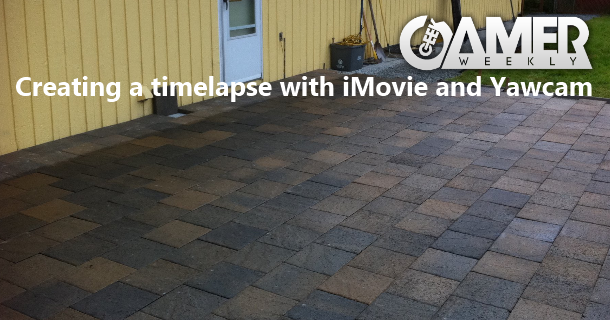
I’m what you would call a novice in the world of photography and video creation. Sure I like to edit and create Geek Gamer Weekly, but that’s easy. Most of the shots and editing are “on the fly” and it makes it pretty easy to produce in post….but since I was about to build a new outdoor patio, I really wanted to capture it on tape…..cough….I mean digital bits.
So I asked around and was looking for something that would make this creation simple. One thing is for sure, to record over 6 days of continous video would not only be a pain in the ass, but editing would not be fun. Not to mention the hundreds of gigabytes I would need to have for storage.
As I began on my quest, I created a checklist of what I needed:
- Webcam **I have the Logitech C910
- Webcam Software **Used Yawcam
- Computer to Capture **Dell D610
- Long USB Cable **10 FT
- Movie Editing Software **iMovie 9.0
- Music **Cinescore
After installing Yawcam (which by the way is a simple Webcam software program), I set it to take one picture every minute the camera was on, and had the pictures saved to a folder. Then after I had my 4,120 photos…(you do the math), I moved them into iMovie.
Once in iMovie, I changed the duration of each photo to 0.01. However, iMovie has a limitation of going to 0.1. No matter, it made the video about nine minutes long. I then took all the pics and had iMovie convert it and create a video. I then took that nine minute video, re-imported it into iMovie and sped it up about 300%, added music, edited out the long long parts and published it on YouTube!
Whew…
Anyways, hope you like it! If you have any questions, please post here or on YouTube! Thanks and enjoy! 🙂